.png)
.png)

.png)
Key Takeaways
Learn prerequisites and exact steps to connect WhatsApp, Shopify, and gateways for in-chat or link-based payments.
Discover top WhatsApp payment tools for Shopify, with Flowcart enabling full-funnel in-chat commerce and cart recovery.
Understand common WhatsApp payment issues and best practices to reduce drop-offs and increase completed payments.
Customers reach the final stage of purchase with their carts full and their intent clear. Your marketing, product pages, and conversations have done their job. But just when they’re ready to pay, they’re redirected from your website to another platform for payment. That single shift in experience introduces friction.
This kind of drop-off isn’t about lack of interest; it’s about inconvenience. Every extra step, page load, or app switch gives customers a reason to pause, get distracted, or walk away.
That’s where WhatsApp Commerce makes a difference. It serves as a one-stop channel where customers can discover products, ask questions, add items to their cart, and, most importantly, complete their payment.
In this guide, we’ll explain what WhatsApp Payments are and walk you through a step-by-step process to set them up for your business.
What Are WhatsApp Payments?
WhatsApp Payments allows businesses to collect money directly inside a WhatsApp chat. Instead of sending customers to an external checkout page or payment gateway, the entire transaction occurs within the conversation.
Customers can browse products, confirm their order, and pay without leaving the app, which makes the buying experience faster, smoother, and more reliable.
To put it simply, WhatsApp Payments turns a chat into a checkout.
WhatsApp Pay vs. WhatsApp Payment Links
To understand how WhatsApp payments work, it is crucial to distinguish between WhatsApp Pay and WhatsApp payment links. These are the two ways to make a payment via WhatsApp.
- WhatsApp Pay is WhatsApp’s native in-app payment feature. The customer completes the payment inside WhatsApp using their linked bank account or UPI. There is no redirection involved, and the transaction feels like part of the chat experience.
- WhatsApp payment links, on the other hand, direct users to an external page (typically a website or payment gateway) to complete the payment. While this still occurs after a WhatsApp conversation, the actual checkout occurs outside the app, which can introduce additional steps and potential drop-offs.
Some platforms also use WhatsApp Webview–based checkout experiences. With Webview, the payment page opens in WhatsApp's in-app browser rather than redirecting users to an external site. This feels more seamless than a normal redirect, but it’s still not the same as native WhatsApp Pay.
It’s also worth noting that true in-chat payments and Webview-based flows are only available through very limited, tightly controlled WhatsApp APIs, typically via approved partners. Most businesses cannot access native payment capabilities directly without going through specialized providers.
Supported Regions and Limitations
WhatsApp Payments are currently available in select countries, with India being the most mature and widely supported market for UPI-based transactions. In India, users can send and receive money directly between bank accounts inside WhatsApp.
However, there are some important limitations to keep in mind:
- Availability depends on country, regulations, and WhatsApp’s rollout status.
- Businesses outside supported regions must rely on payment links or third-party integrations instead of native WhatsApp Pay.
- Even in supported regions, features may vary for P2P vs. business payments.
- Set up requires bank verification and compliance with local payment rules.
So, before building your checkout flow around WhatsApp Payments, confirm whether native in-app payments are supported in your country and for your business type.
Also Read: WhatsApp Checkout & Cart Flows: A Complete Guide for Modern Ecommerce
Prerequisites Before Setting Up WhatsApp Payments
Before you can start accepting payments via WhatsApp, a few core systems must be in place. These prerequisites ensure your store, messaging, and payment infrastructure are properly connected, enabling a smooth transition from chat to checkout.
1. A Shopify Store
You’ll need an active Shopify store with your products, pricing, and inventory already set up. Shopify acts as the backend of your business, handling orders, customer data, and fulfillment. When integrated with WhatsApp, it enables you to sync product catalogs, automate messages, and track purchases without manual management.
2. WhatsApp Business App or WhatsApp Business API
At a minimum, you need a WhatsApp Business account. For small businesses, the WhatsApp Business App may be a good fit. However, if you want automation, CRM integration, chatbots, and large-scale messaging, you’ll need the WhatsApp Business API.
The API enables features like:
- Automated order confirmations
- Abandoned cart reminders
- Product catalog sharing
- Payment and checkout workflows
3. A Supported Payment Gateway
To process payments, you need a payment gateway that supports WhatsApp-based checkouts or integrates with your Shopify store. In India, this often means UPI-compatible gateways. For global stores, it could include providers like Razorpay, Stripe, or others, depending on your region.
Your gateway handles:
- Secure payment processing
- Transaction confirmations
- Refunds and failure handling
Make sure your gateway is compatible with both Shopify and your WhatsApp commerce setup.
4. Facebook Business Manager Verification
Since WhatsApp is part of Meta, your business must be verified through Facebook (Meta) Business Manager. This step confirms that your company is legitimate and allows you to:
- Access the WhatsApp Business API
- Use advanced messaging and commerce features
- Run official business communications at scale
Verification usually requires submitting business documents, your website, and other identity details. Once approved, you unlock full access to WhatsApp’s business tools.
Step-by-Step: How to Add WhatsApp Payments to Shopify
Once your Shopify store, WhatsApp Business setup, payment gateway, and Meta verification are ready, you can integrate them into a single checkout flow. Here’s how to add WhatsApp Payments to your Shopify store in a way that’s smooth for both you and your customers.
Step 1: Connect WhatsApp to Shopify Using a Commerce App
Start by installing a WhatsApp commerce app from the Shopify App Store that supports chat, product sharing, and payments. Tools like Flowcart and similar platforms help bridge Shopify and WhatsApp, so your catalog, cart, and order data sync automatically.
After installation:
- Connect your WhatsApp Business or WhatsApp API account
- Sync your Shopify product catalog
- Enable cart and checkout features inside WhatsApp
This creates the foundation for customers to browse and shop directly from chat.
Step 2: Integrate Your Payment Gateway
Next, connect your payment gateway to your Shopify store and WhatsApp flow. Your gateway should already be active in Shopify (for example, UPI or card payments in India, or Stripe/Razorpay globally).
Make sure:
- Payments work normally on your Shopify checkout
- The WhatsApp app can trigger a payment request
- Orders are marked as paid once the transaction is complete
This ensures payment status is reflected correctly across both platforms.
Step 3: Enable In-Chat Checkout or Payment Links
Depending on your region and setup, you’ll either:
- Use native WhatsApp Pay (in supported countries like India), or
- Use payment links that open a secure checkout page
Configure your WhatsApp commerce tool to send:
- Auto-generated payment requests
- Branded payment links tied to the customer’s cart
The goal is to reduce steps and keep the checkout experience fast and familiar.
Step 4: Set Up Automated Order Messages
Once payments are connected, configure automated messages such as:
- Order confirmation
- Payment received notification
- Shipping updates
These reassure customers that their orders have gone through and reduce support queries.
Step 5: Test the End-to-End Flow
Before going live, test everything from a customer’s perspective:
- Browse products from WhatsApp
- Add items to cart
- Complete payment
- Receive confirmation messages
Fix any gaps in messaging, redirects, or payment syncing before you start driving traffic to this flow.
Best WhatsApp Payment Tools for Shopify
To use WhatsApp as a serious sales channel on Shopify, you need more than just messaging. The right tool should integrate product discovery, cart building, checkout, and payments into a single, continuous flow within the chat.
Below are some of the best WhatsApp payment tools for Shopify, with Flowcart leading the list for its commerce-first approach.
1. Flowcart: Best for full-funnel WhatsApp commerce
Flowcart is built specifically for Shopify merchants who want to sell directly inside WhatsApp, not just talk to customers there. It turns conversations into complete shopping journeys by allowing customers to browse products, add items to a cart, review their order, and pay within the same chat.
Instead of pushing buyers to external pages, Flowcart keeps the entire experience within WhatsApp, reducing friction, speeding up checkout, and improving conversion rates.
Key Features:
- In-Chat Product Browsing: Syncs your Shopify catalog into WhatsApp so customers can view product images, prices, and variants directly in the chat without visiting your website.
- Cart Creation and Management in WhatsApp: Customers can add multiple items, change quantities, and review their cart inside the conversation before checkout.
- Seamless In-Chat Checkout and Payments: Supports native WhatsApp Pay (where available) and optimized payment flows, so customers can complete transactions without unnecessary redirects with support from 50+ payment gateways.
- Automated Abandoned Cart Recovery: Flowcart’s Abandoned Cart Recovery feature detects when users drop off and triggers personalized WhatsApp reminders to bring them back to complete the purchase.
- Smart Automation and Workflows: AI-powered segmentation and automation let you set up rules for order confirmations, payment reminders, shipping updates, and post-purchase follow-ups.
- Team Inbox and Sales Routing: Multiple agents can manage sales and support from a single dashboard, with chats automatically routed to the right person.
- Opt-In Management and Retargeting Pixels: Flowcart helps you capture explicit customer opt-ins and automatically fire tracking pixels, so you can build compliant remarketing audiences and retarget high-intent shoppers across WhatsApp, Meta, and other ad platforms.
- Customer Segmentation and Broadcast Campaigns: Flowcart AI-Powered Segmentation lets you segment customers based on behavior, purchase history, and engagement, then send targeted WhatsApp broadcasts to the right audience.
Here’s what Purity Waweru, the CEO of Tanj Curtains, has to say about their experience using Flowcart,
“Partnering with Flowcart changed everything for us. We saw faster transactions, stronger engagement, and a real connection with our customers. In just a few months, our sales grew by 40%, and every lead that came through Flowcart converted. It’s been a game-changer for our business.”
Read more Flowcart success stories to know how other businesses are benefiting from using Flowcart.
Ready to make the best use of WhatsApp payments with Flowcart? Book a demo now!
2. WATI: Best for team inbox and automation
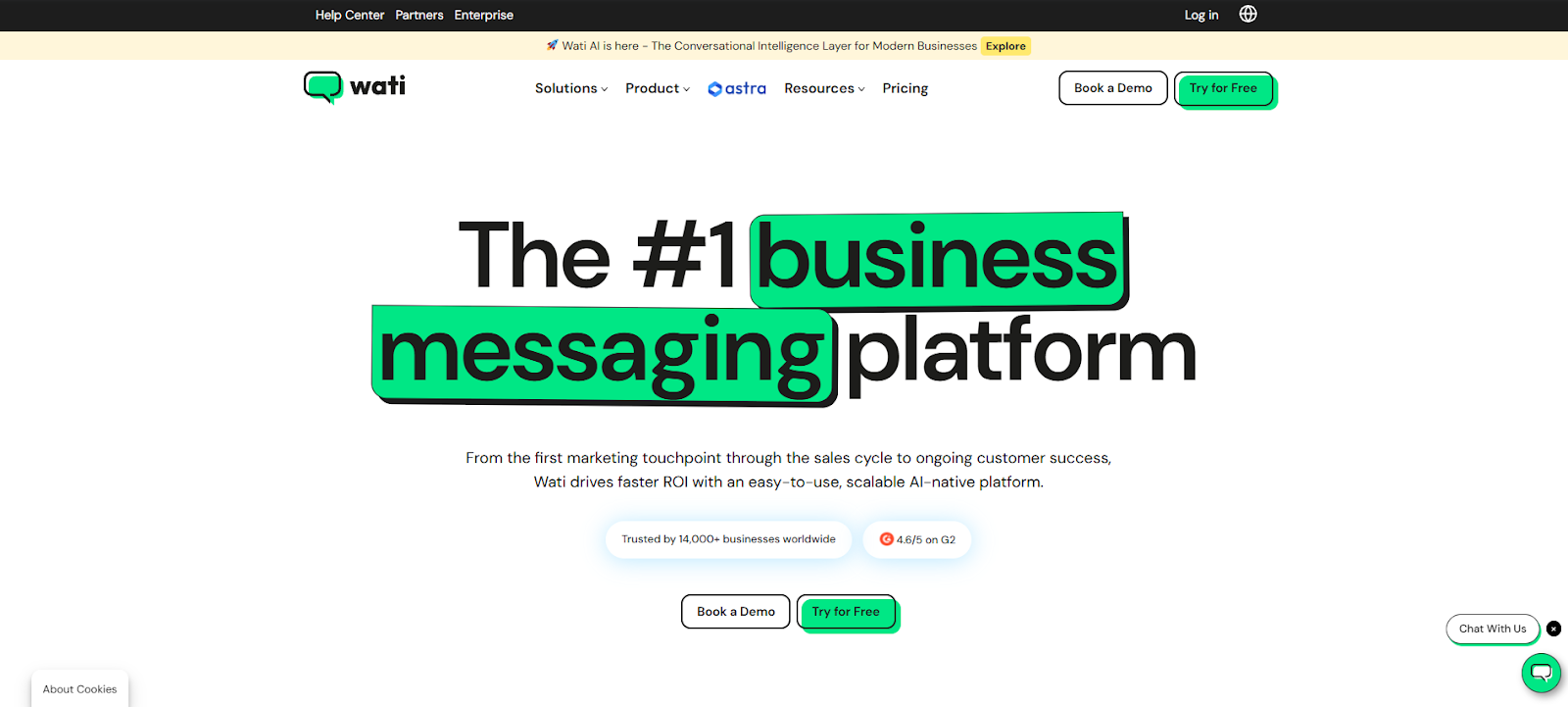
WATI is a WhatsApp Business API platform focused on managing customer conversations at scale. It’s widely used for support and engagement, with automation tools that help teams respond faster and more consistently.
While it supports commerce use cases through payment links, it’s primarily designed as a communication and CRM layer rather than a full in-chat checkout system.
Key Features:
- Shared team inbox for WhatsApp chats
- Chatbot and automation builder
- Broadcast campaigns and segmentation
- Payment links via third-party gateways
- Basic CRM and contact management
3. Interakt: Best for Shopify WhatsApp automation

Interakt is built for Shopify merchants who want to drive more sales and repeat purchases through WhatsApp. It connects your store with chat-based workflows like cart recovery, order updates, and payment prompts.
Interakt helps move customers from interest to checkout using automation and reminders inside WhatsApp.
Key Features:
- Shopify product and order sync
- Abandoned cart recovery automation
- Click-to-pay links in WhatsApp
- Order and shipping notifications
- Customer campaigns and targeting
4. Twilio: Best for custom WhatsApp builds
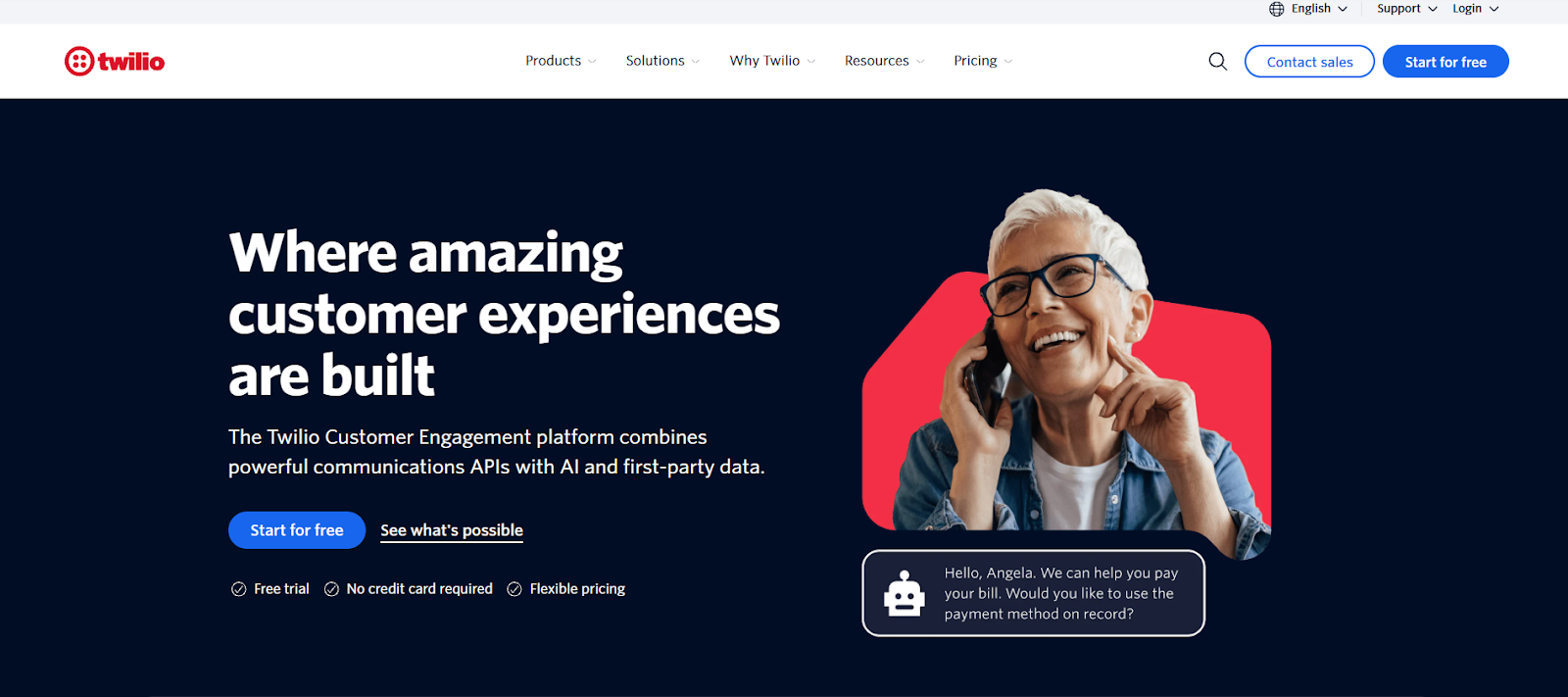
Twilio provides direct access to the WhatsApp Business API for businesses that want full control over how their messaging and commerce flows work.
It’s ideal for companies with technical teams that want to build custom checkout, payment, and automation logic on WhatsApp rather than use an off-the-shelf tool.
Key Features:
- WhatsApp Business API access
- Developer SDKs and APIs
- Fully customizable workflows
- Scalable messaging infrastructure
- External payment gateway integrations
Read More: Best WhatsApp Broadcast Tools in 2026: Top 10 Platforms Compared
Common Issues and How to Fix Them
Before beginning to set up WhatsApp payments, here are some common hindrances to look out for and also ways to overcome them:
1. Failed Payments
Sometimes a customer attempts to pay, but the transaction doesn’t go through or stays stuck in a pending or failed state. This usually occurs due to UPI or card issues on the customer’s side, temporary gateway downtime, incorrect payment configuration in Shopify, or network or app interruptions during checkout.
How to fix it:
- Ensure your payment gateway is active, verified, and properly connected to Shopify
- Run test transactions regularly to catch issues early
- Offer fallback options like alternate UPI or card methods
- Set up automated WhatsApp messages to notify customers and share a retry link instantly
2. Order Sync Issues
In some cases, a customer completes payment via WhatsApp, but the order doesn’t appear in Shopify or appears with the incorrect payment status. This is usually caused by broken app integrations, webhook failures, permission issues, or data synchronization delays between WhatsApp tools and Shopify.
How to fix it:
- Reconnect your WhatsApp commerce app with Shopify
- Check webhook and API permissions
- Make sure your WhatsApp tool is allowed to create and update orders in Shopify
- Place test orders after any major app or store update
3. Payment Link Errors
Sometimes customers click the payment link in WhatsApp, but the page fails to load, shows an error, or opens the wrong cart. This typically happens because links expire, cart data doesn’t match the checkout page, the payment gateway isn’t configured properly, or tracking and shortening tools break the URL.
How to fix it:
- Use auto-generated payment links tied to each customer’s cart
- Avoid manually copying or editing checkout URLs
- Make sure your gateway uses secure HTTPS pages
- Test links across devices and browsers before sending them to customers
Best Practices to Increase Conversions with WhatsApp Payments
Using WhatsApp Payments effectively is about creating a smooth, guided buying experience inside the chat that helps customers move from interest to payment without hesitation. Follow these best practices to make the most of WhatsApp payments:
Payment Reminders
Many customers fully intend to pay but get distracted or interrupted before completing the transaction. Timely payment reminders help bring them back into the flow.
When these reminders reference the exact items in their cart and the total amount, they feel helpful rather than intrusive and gently push the customer toward completing the purchase.
Clear CTAs (Call-to-Action)
Strong CTAs remove confusion and tell the customer exactly what to do next. Instead of vague messages, your WhatsApp checkout flow should always guide users toward one simple action, such as finishing their payment or confirming their order. Clear, direct CTAs keep the decision-making process fast and focused.
Offer Prepaid + COD Options
Not every customer is ready to pay upfront. Offering both prepaid and Cash on Delivery (COD) options builds trust and gives customers the flexibility they need to move forward.
When buyers feel in control of how they pay, they’re far more likely to complete the order.
Follow-Ups for Failed Payments
A failed payment doesn’t always mean a lost sale. Often it’s just a temporary issue or interruption. A quick, reassuring follow-up message lets the customer know their order is still waiting and makes it easy for them to try again without restarting the entire process.
FrequentlyAsked Questions (FAQs)
Can I accept UPI payments through WhatsApp on Shopify?
Yes. If you’re selling in India, you can accept UPI payments through WhatsApp using supported gateways and WhatsApp commerce tools that connect Shopify with in-chat or link-based checkout flows.
Is WhatsApp Pay available for Shopify stores?
WhatsApp Pay is available in select regions (like India), but it’s not natively built into Shopify. You need a WhatsApp commerce platform to connect WhatsApp Pay or payment links with your Shopify store.
Do I need WhatsApp Business API for payments?
For small setups, you can start with WhatsApp Business. However, for automation, cart recovery, and scalable payment workflows, the WhatsApp Business API is strongly recommended.
Are WhatsApp payments secure?
Yes. WhatsApp payments use end-to-end encryption and are processed through regulated payment partners and gateways, making them safe for both businesses and customers.
Can I automate payment reminders on WhatsApp?
Yes. With WhatsApp commerce tools and the Business API, you can automate reminders for pending or failed payments based on customer behavior.
Which countries support WhatsApp payments?
Native WhatsApp Pay is currently available in a limited number of countries, with India being the most prominent. Other regions typically rely on payment links instead of in-app payments.
How much does WhatsApp payment integration cost?
Costs vary depending on your WhatsApp platform, payment gateway, and message volume. You may pay for API access, automation tools, and standard payment gateway transaction fees.

.png)





%201.webp)




.png)