
.png)
Key Takeaways
Learn the highest-converting upsell placements across your Shopify store, from product pages to post-purchase flows.
Compare leading Shopify upsell apps and match each to cart, checkout, and post-purchase use cases for your store.
See how Flowcart connects Shopify behavior with WhatsApp to run conversational upsells that turn chats into revenue.
A customer finally lands on your website. They browse. They add to the cart. They’re this close to checking out.
And every store owner thinks the same thing:
“What if they bought just a little more?”
That instinct to turn a good order into a great one? That’s upselling.
But the real challenge is knowing when and how to do it without annoying your customers.
In this blog, we break down everything you need to know about upselling. Why it matters, how it works, and how the right apps can quietly boost your revenue while your customers happily spend more.
Why Upselling Is Critical for Shopify Growth?
Growth on Shopify is about making every visit count, and that happens through upselling. Here’s why upselling is crucial for businesses:
Boosts Average Order Value
Upselling encourages customers to spend more per purchase by upgrading or adding relevant products to their cart. Instead of working harder to bring in more traffic, you increase revenue from the shoppers you already have. Even a small increase in AOV can make a noticeable difference to your bottom line over time.
Maximizes Marketing ROI
You’ve already invested in ads, SEO, and campaigns to bring visitors to your store. Upselling helps you extract more value from every click by converting buying intent into higher-value orders. It’s one of the smartest ways to grow without constantly increasing your ad budget.
Enhances Customer Experience
When done right, upselling feels like guidance. Showing customers better versions, useful add-ons, or smart bundles improves their shopping journey and helps them feel confident about their purchase.
Builds Brand Trust
Relevant recommendations show that your store understands your customers. That builds credibility, loyalty, and repeat purchases over time.
Best Places to Add Upsells in a Shopify Store
Upsells don’t work because you show more products. They work because you show the right product at the right moment. Each placement in your Shopify store taps into a different customer mindset. Here are some of the best places to place the upsells, along with their benefits:
Product pages: Influence buying decisions early
This is where customers are still comparing, exploring, and imagining using the product. Adding upgrades, bundles, or “frequently bought together” items here helps shape what they think is normal to buy. It increases perceived value and reduces hesitation by making choices feel easier and more complete.
Cart drawer/cart page: Increase order value right before checkout
At this stage, shoppers have already committed mentally. Showing relevant add-ons here works because they’re already in purchase mode. A well-placed upsell in the cart feels like a helpful reminder of “Oh right, I might need that too.” This is one of the highest-performing spots for boosting AOV.
Checkout (pre-purchase): Capture quick, low-friction add-ons
Customers here want to finish fast. If you keep offers simple and relevant, you can add last-minute value without slowing them down. This placement works best for small, no-brainer extras that don’t require thinking, like accessories, protection, or digital add-ons.
Thank-you page: Convert when trust is highest
At this stage, the payment has been made, and satisfaction is high. That’s why post-purchase upsells convert so well. Customers are more open to saying “yes” because there’s no risk left. One-click upsells here feel effortless and natural.
Email and WhatsApp follow-ups: Recover missed upsell opportunities
Not everyone says yes on the site. Follow-ups let you reintroduce products in a calmer, more personal environment. With WhatsApp, especially, it feels like a recommendation. This is perfect for restocks, refills, or products that make more sense after using the first purchase.
Customer account pages: Personalize repeat purchases
Here, you already know what the customer likes. Showing upgrades, refills, or complementary items based on past orders feels helpful. This placement builds long-term value by increasing LTV, not just AOV.
Order tracking pages: Upsell when attention is still high
Customers revisit this page multiple times. That repeated engagement makes it a powerful, underused upsell location. Offers here feel contextual: “While your order is on the way, you might like this too.”
Read More: How to Use WhatsApp for Customer Service in 2026
Best Upsell Apps for Shopify
The right upsell app changes how customers experience your store. Let’s introduce you to some of the most trusted upsell apps on Shopify:
1. Bold Upsell – Best for Smart Cart and Post-Purchase Upsells
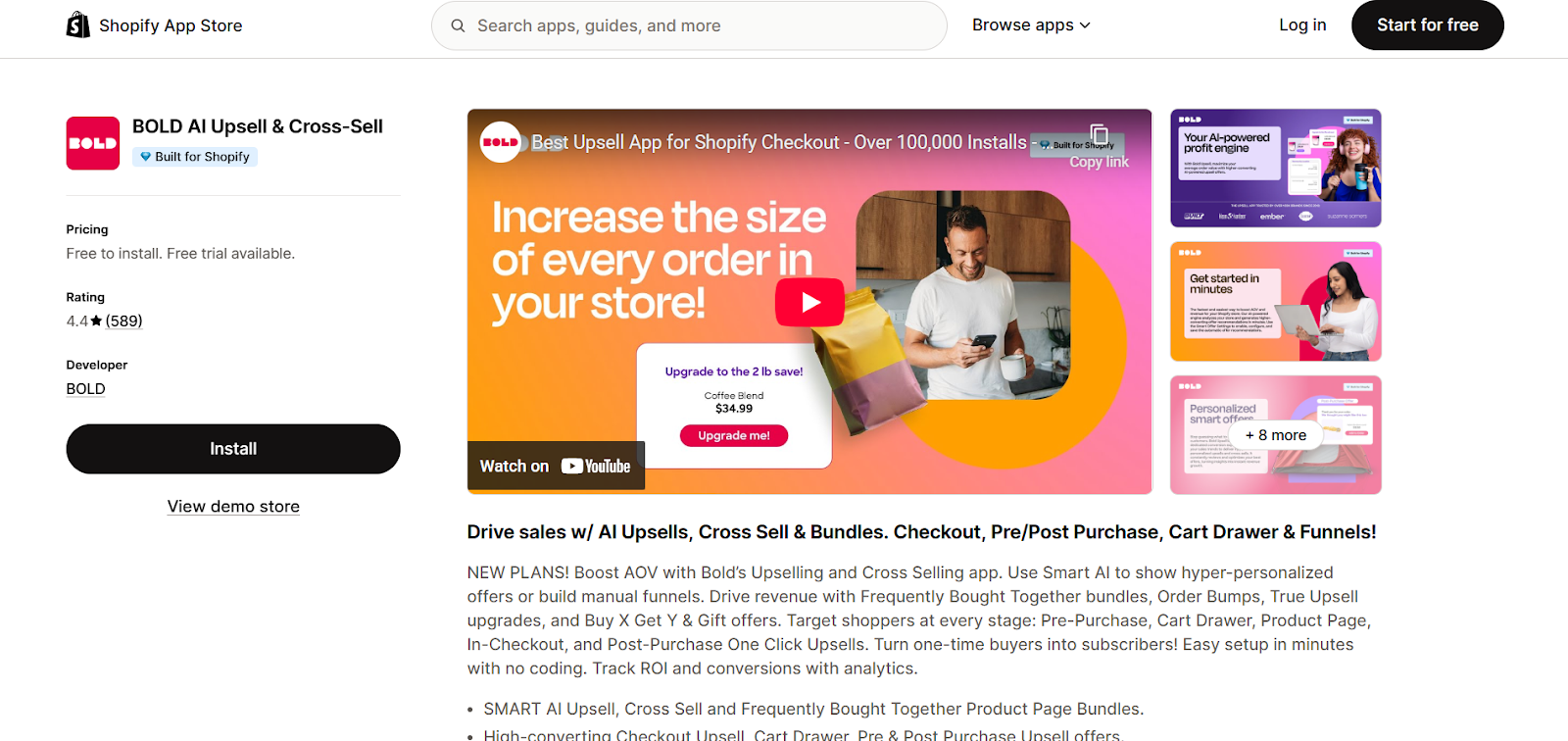
Bold Upsell is a reliable, well-known upsell and cross-sell app built for Shopify stores that want to increase order value without overcomplicating things. It’s especially useful for merchants who are getting started with upselling but still want enough flexibility to run targeted, high-converting offers.
With Bold Upsell, you can show relevant upgrade and bundle suggestions at key moments, including on product pages, in the cart, and even after checkout. This means you’re not just upselling before the sale, but also capturing extra revenue when the customer is already in buying mode.
Key Features
- Targeted Offer Rules: Show different upsells based on cart value, products, or customer behavior.
- Cart and Checkout Upsells: Add offers right before and after purchase to increase AOV.
- Product Upgrades and Bundles: Encourage shoppers to buy higher-value versions or grouped products.
- Custom Design Controls: Match the upsell widgets to your store’s branding.
- Easy Setup Flow: Step-by-step interface that makes campaign creation simple.
Pros
- Powerful targeting and segmentation options
- Works across multiple points in the buying journey
- Highly customizable design
- Reliable performance with strong support
Cons
- The interface can feel overwhelming for beginners
- Advanced features require a paid plan
Shopify Rating: 4.4 / 5
2. ReConvert – Best for Post-Purchase Upsells
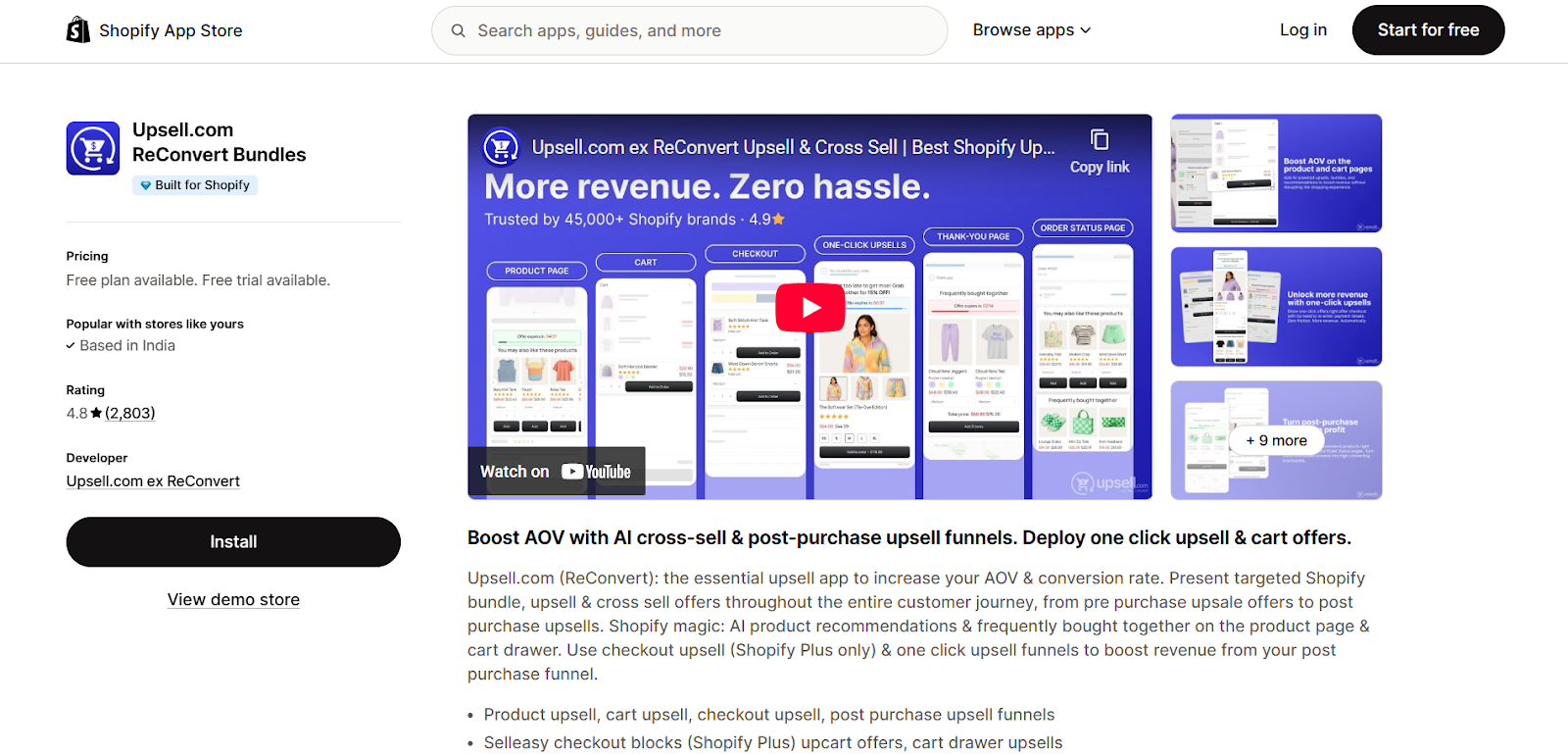
ReConvert is a powerful Shopify app that turns your thank-you page into a revenue-generating machine. Instead of treating the order confirmation page as the end of the journey, ReConvert helps you use it as a smart follow-up step to upsell, cross-sell, and collect valuable customer data.
With ReConvert, you can customize your thank-you page using a simple drag-and-drop builder. Add product recommendations, surveys, birthday collectors, bundles, and one-click upsells without touching code. It’s ideal for merchants who want to increase revenue after checkout while also building stronger customer relationships.
Key Features
- Thank-You Page Builder: Design your order status page with popups, products, and custom blocks without any technical skills.
- One-Click Upsells: Let customers add products to their order with a single tap after checkout.
- Post-Purchase Funnels: Create smart upsell and cross-sell flows after the sale is completed.
- Customer Data Collection: Capture birthdays, survey responses, and preferences for better targeting.
- AI Product Recommendations: Show relevant products automatically based on customer behavior.
Pros
- Turns thank-you pages into a profit center
- Highly customizable and flexible layouts
- Great for building email and SMS lists
- Strong focus on post-purchase revenue
Cons
- Takes some time to learn and set up properly
- Best features are on paid plans
- May feel advanced for very small stores
Shopify Rating: 4.8 / 5
3. In Cart Upsell – Best for In-Cart Recommendations
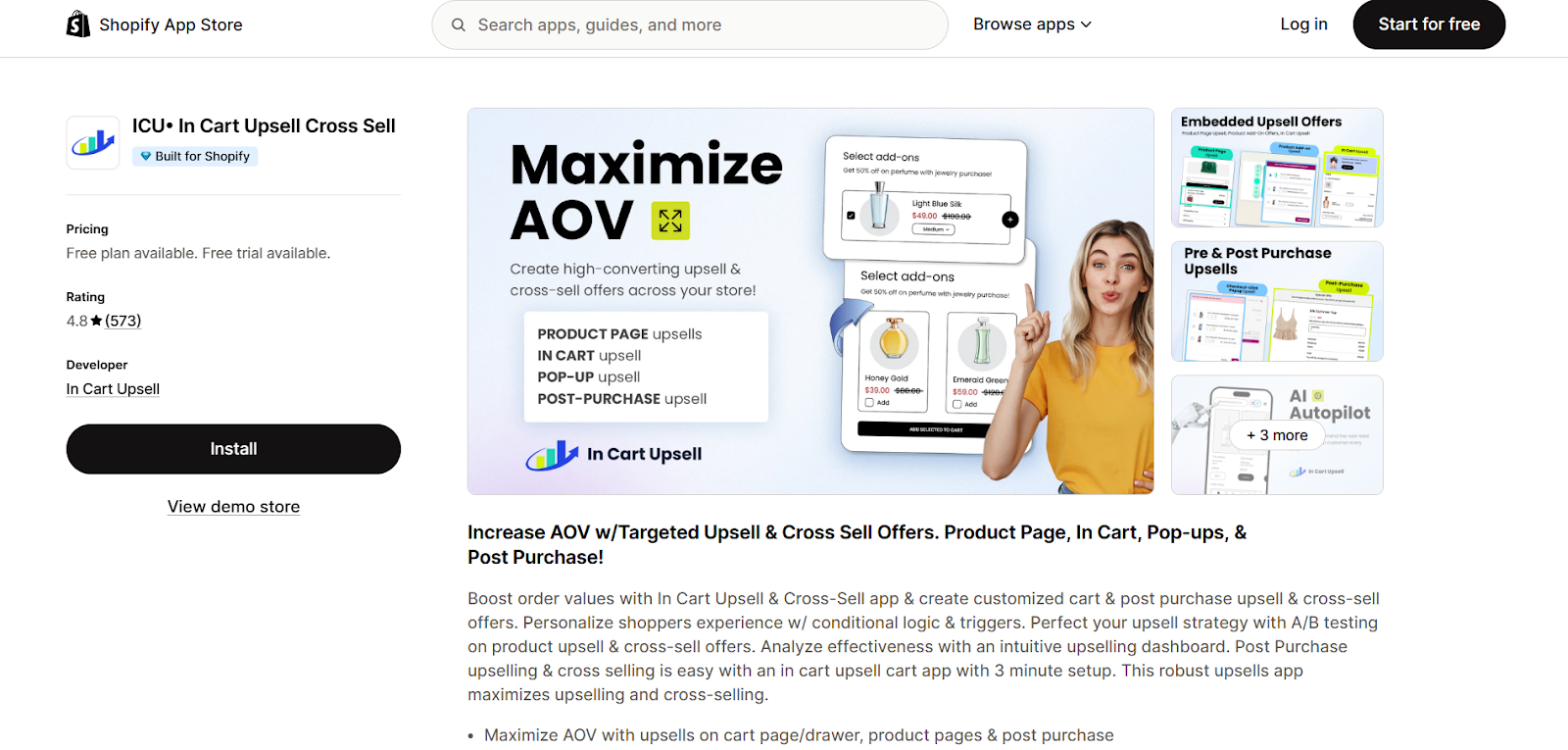
In Cart Upsell is built for store owners who want to increase order value without disrupting the shopping experience. Instead of using pop-ups or aggressive prompts, this app focuses entirely on placing smart upsell and cross-sell offers directly in the cart.
Powered by AI, In Cart Upsell shows product recommendations that closely match what the customer is already purchasing. As a result, the upsells feel natural, helpful, and easy to accept. You can also customize offers based on customer preferences and cart behavior, all without writing a single line of code.
Key Features
- AI-Powered Cart Recommendations: Shows highly relevant upsells based on what the shopper is buying.
- No Pop-Up Experience: Keeps the journey smooth with zero interruptions.
- In-Cart Deal Placement: Displays offers at the exact moment customers are ready to check out.
- Custom Offer Rules: Tailor upsells based on product type, value, or customer behavior.
- Quick No-Code Setup: Easy configuration with friendly support available 24/7.
Pros
- Seamless, non-intrusive upsell experience
- AI-driven recommendations feel natural
- Easy setup with no technical skills needed
- Strong customer support team
Cons
- No free plan available
- Focused only on cart-stage upsells
Shopify Rating: 4.8 / 5
4. iCart – Best for Pre-Checkout Upsells
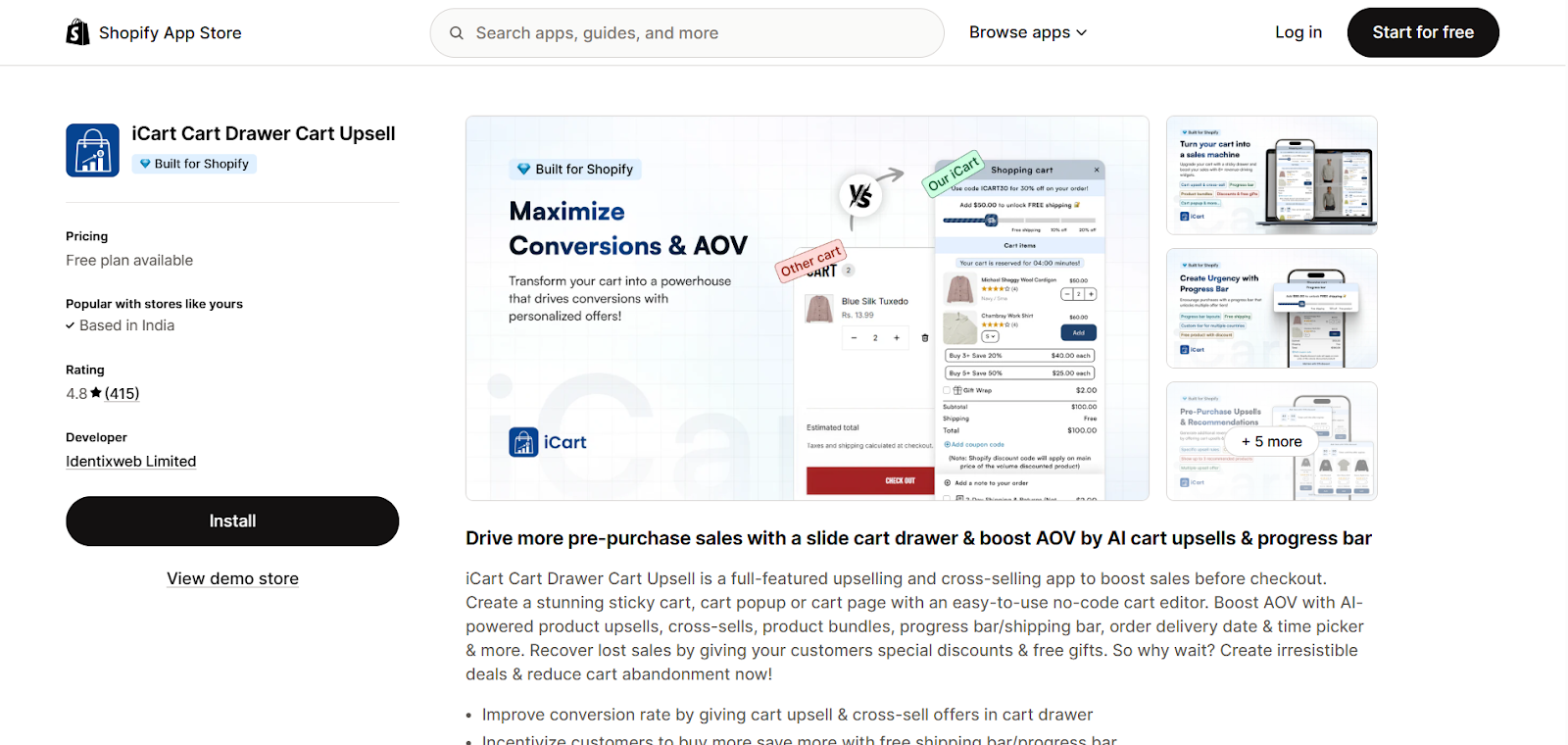
iCart is a powerful Shopify upsell app built to boost conversions and AOV before customers reach checkout. Its core strength lies in its fully customizable cart drawer experience, which lets you show smart offers, bundles, and rewards right when shoppers are about to buy.
With iCart, you can create a sticky slide-in cart that displays upsells, cross-sells, free gifts, and progress bars. The drag-and-drop interface makes it easy to design without code, and its advanced analytics help you track performance and fine-tune your offers for better results.
Key Features
- Custom Cart Drawer: Build a slide-in cart with upsells, bundles, and offers.
- Upsell and Cross-Sell Widgets: Show related products directly in the cart.
- Free Gift Incentives: Add free gifts to motivate higher order values.
- Discount Progress Bar: Visually nudge customers to spend more to unlock deals.
- Smart Product Recommendations: Suggest relevant items based on cart behavior.
- Advanced Analytics: Track profit and optimize strategies with data insights.
Pros
- Drag-and-drop setup with no coding needed
- Tons of pre-built, customizable templates
- Works smoothly with Shopify 2.0 themes
- Excellent support via live chat and email
Cons
- Best features require paid plans
- May feel feature-heavy for very small stores
Shopify Rating: 4.8 / 5
5. Honeycomb Upsell Funnels – Best for Funnel-Based Upsells
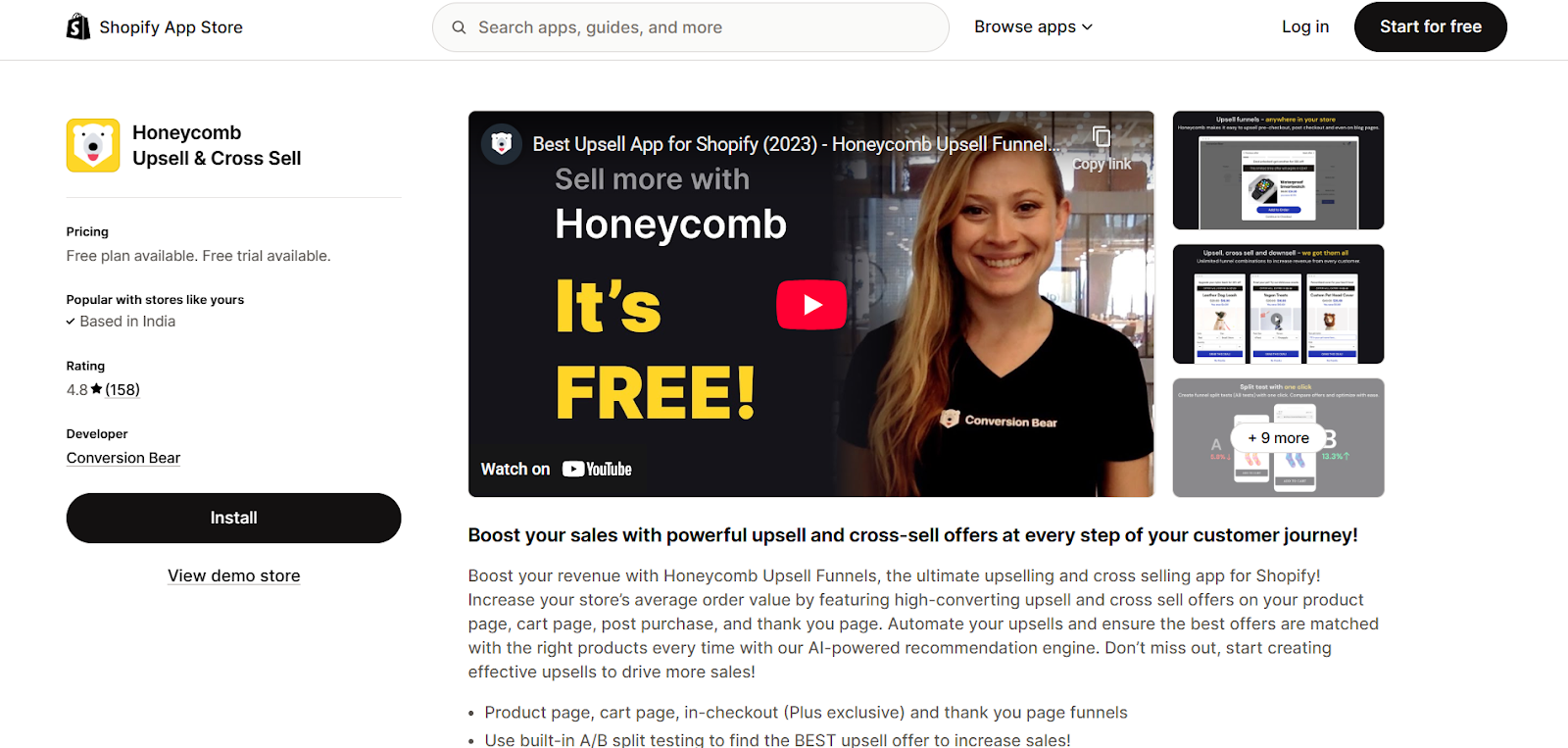
Honeycomb Upsell Funnels is built for Shopify merchants who want to guide customers through smart, structured upsell and cross-sell journeys. Instead of showing just one offer, Honeycomb lets you create full upsell funnels that present multiple relevant products in sequence, boosting your chances of landing a “yes.”
The app shines in the post-purchase stage. With one-click upsells that work beautifully on both mobile and desktop, customers can add extra items to their order after checkout without re-entering payment details. You can also show multiple offers at once, increasing the likelihood that one will click with the shopper.
Key Features
- Upsell Funnel Builder: Create step-by-step upsell and cross-sell flows.
- One-Click Post-Purchase Offers: Let customers add items instantly after checkout.
- Multi-Offer Displays: Show several upsell options at once for higher acceptance.
- Pre-Built Templates: Launch funnels quickly with ready-made designs.
- Deep Customization Controls: Fine-tune every offer to match your brand and goals.
- Strong Integrations: Connects with Shopify and popular email tools.
Pros
- Excellent post-purchase upsell experience
- High-converting funnel-style offers
- Works great on mobile and desktop
- Standout customer support
Cons
- Premium pricing for smaller stores
- Setup can take time for complex funnels
- Best value comes with higher-volume stores
Shopify Rating: 4.8 / 5
6. Aftersell – Best for Seamless Post-Purchase Upsells
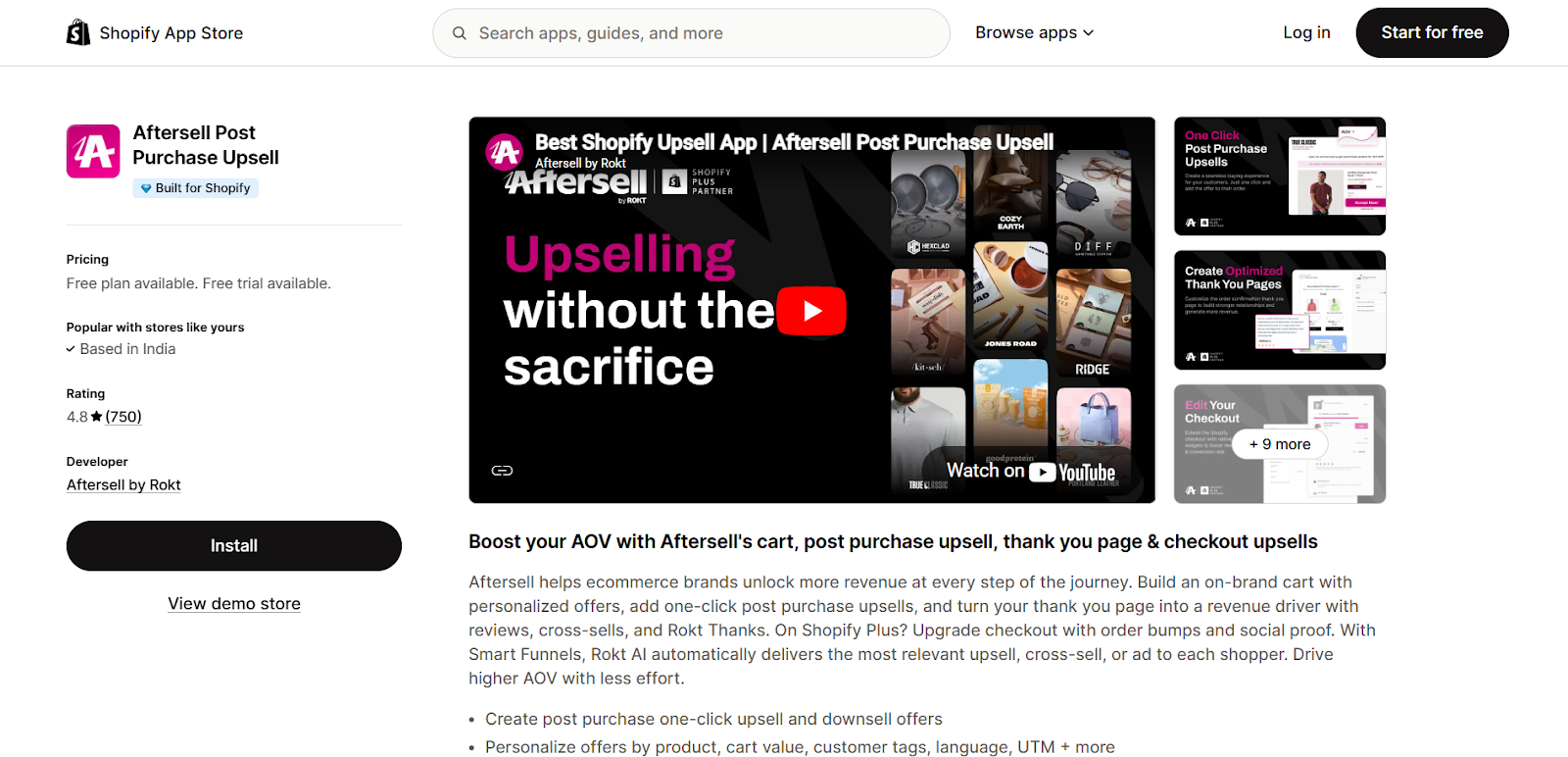
Aftersell is designed to increase revenue after checkout without disrupting the buying experience. Instead of interrupting customers mid-purchase, Aftersell waits until the order is placed and then presents one-click upsell offers on the thank-you page.
The app lets you customize your thank-you page and build smart post-purchase funnels that feel smooth and natural. Since customers don’t need to re-enter payment details, accepting an upsell is quick and friction-free. It’s perfect for stores that want to boost AOV without adding pressure during checkout.
Key Features
- One-Click Post-Purchase Upsells: Let customers add items instantly after checkout.
- Thank-You Page Editor: Customize your order confirmation page with offers and content.
- Custom Funnel Builder: Design post-purchase upsell flows that match your strategy.
- Seamless Shopify Integration: Manage everything directly from your Shopify admin.
- Theme Compatibility: Works smoothly with the latest Shopify themes.
Pros
- Increases AOV without interrupting checkout
- Smooth, frictionless upsell experience
- Clean and easy-to-use interface
- Strong performance for post-purchase revenue
Cons
- Some advanced features are on higher plans
- Not focused on pre-checkout upsells
Shopify Rating: 4.9 / 5
Also Read: WhatsApp Marketing for Small Businesses: Complete Guide for 2026
How to Choose the Right Upsell App for Your Shopify Store
Not every upsell app is built the same. The right one should fit your store’s goals, your customers’ behavior, and how you want to grow revenue. Here are some factors to consider to pick the one best suited for you:
- Define your growth goal: Decide whether you want to increase average order value, improve product discovery, or boost post-purchase revenue. Your goal determines whether you need cart, checkout, or post-purchase upsells.
- Map your customer journey: Identify where shoppers hesitate or drop off most often. Some apps work best before checkout, while others shine after the order is placed.
- Evaluate customization flexibility: Look for apps that let you control design, placement, and targeting rules so upsells feel natural.
- Assess setup and usability: If you don’t have a dev team, go for an app with drag-and-drop builders and no-code workflows that are easy to manage day to day.
- Match the app to store size: Some tools are better for new stores, while others are built for high-volume brands with complex funnels. Choose what scales with you.
- Look for smart targeting features: AI-powered recommendations based on cart value, behavior, or product type drive higher acceptance rates.
- Test before you commit: Use free trials or lower-priced plans first, and track AOV, conversion rate, and the impact on upsell revenue.
How Flowcart Uses WhatsApp to Turn Conversations into Conversions
Upselling doesn’t always have to happen on your website. In fact, some of the highest-converting upsells happen inside conversations, when customers are already talking to your brand. That’s where WhatsApp becomes a powerful upsell channel.
With over 2 billion users globally, WhatsApp is where customers naturally ask questions, seek recommendations, and clarify doubts before making a purchase. Instead of pushing products through pop-ups and banners, WhatsApp lets you guide customers just like a good in-store salesperson would.
This is the core idea behind WhatsApp conversational marketing: using real-time, two-way chats to recommend the right products at the right moment, in a way that feels personal, helpful, and human.
And this is exactly where Flowcart comes in.
Flowcart helps you run upsells, cross-sells, and follow-ups directly inside WhatsApp conversations. Instead of losing customers after checkout or through cart abandonment, Flowcart turns every message into an opportunity to increase AOV and build trust.
Here are some of its most useful features for upselling:
- Smart Upsells Driven by Real Conversations: Flowcart doesn’t push random offers. Using AI-led segmentation and intelligent broadcast logic, it suggests relevant upgrades based on what customers are asking about, clicking on, or adding to their cart, so every recommendation feels timely and useful.
- Buy Bigger, Without Leaving WhatsApp: With Flowcart’s built-in WhatsApp checkout, customers can complete purchases right inside the conversation. Fewer steps mean less drop-off and a higher chance they’ll say yes to bundles, add-ons, and premium versions.
- After-Sale Offers in the Same Chat Thread: Once an order is confirmed, Flowcart helps you continue the conversation with follow-up recommendations. You can suggest accessories, refills, or upgrades while the customer is still engaged and happy with their purchase.
By blending Shopify’s product system with the ease of WhatsApp messaging, Flowcart makes upselling feel natural instead of forced and turns conversations into consistent revenue.
Explore Flowcart pricing to find the plan that fits your store’s size and growth stage.
Here’s what Purity Waweru, CEO of Tanj Curtains, shares about their experience working with Flowcart:
“Working with Flowcart completely transformed how we sell. Our transactions became faster, our engagement improved, and we built genuine relationships with customers. In just a few months, sales jumped by 40%, and every lead coming through Flowcart converted. It’s been a total game-changer.”
See how other brands are using Flowcart to drive growth in the Flowcart Success Stories.
Frequently Asked Questions (FAQs)
What is an upsell app on Shopify?
An upsell app helps you show customers better, bigger, or complementary products while they shop, encouraging them to spend more per order.
How do upsell apps work on Shopify?
Upsell apps display smart product offers on product pages, in the cart, at checkout, or after purchase based on what the customer is viewing or buying.
Are upsell apps allowed on Shopify Plus only?
No, most upsell apps work on all Shopify plans, not just Shopify Plus.
What is the best upsell app for Shopify stores?
The best app depends on where you want to upsell, including cart, checkout, post-purchase, or WhatsApp. Apps like Bold, iCart, ReConvert, and Flowcart all serve different needs.
Can upsell apps increase AOV without hurting conversions?
Yes. When done right, upsells feel helpful, not pushy, so you increase order value without disrupting the buying experience.
Is WhatsApp upselling effective for Shopify stores?
Yes. WhatsApp upselling works especially well because it’s personal, conversational, and trusted, making customers more likely to accept product suggestions.






%201.webp)




.png)